
Image to Bead Pattern: How to Create an Editable Design
Learn how to convert an image to a bead pattern you can edit. Position the picture, compare color settings, refine individual beads, and preview the finished design.
Learn how to convert an image to a bead pattern you can edit. Position the picture, compare color settings, refine individual beads, and preview the finished design.
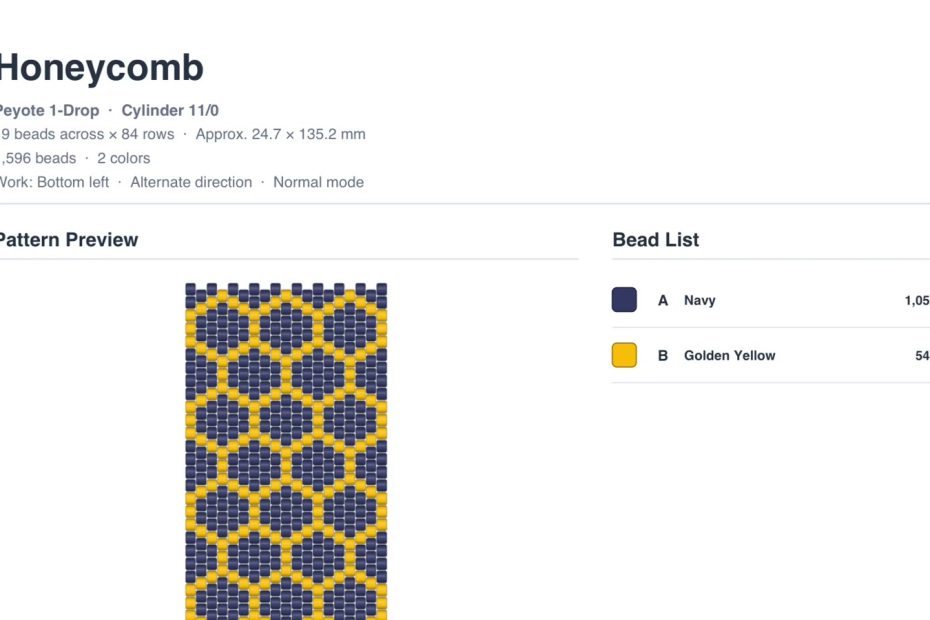
Create a bead pattern PDF with project details, a bead list, numbered pattern pages, row-by-row pickup instructions, arrows, and checkboxes.
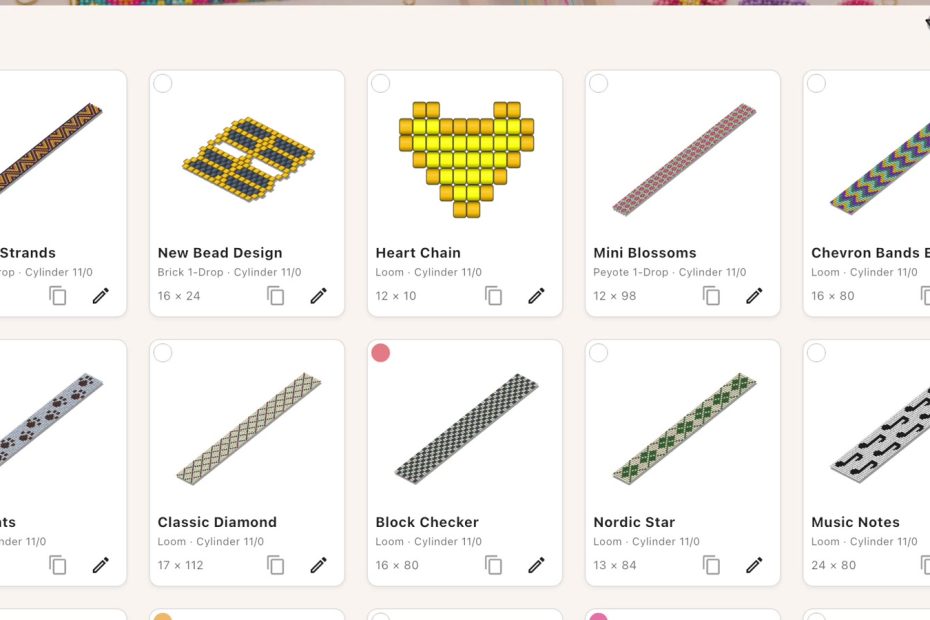
Organize saved bead patterns with clear names, flexible color labels, design-name search, and one-color filtering in Bead Designer.

Create a repeating bead pattern by choosing a row interval, drawing one motif across repeated sections, and checking the result in flat 2D and curved 3D.
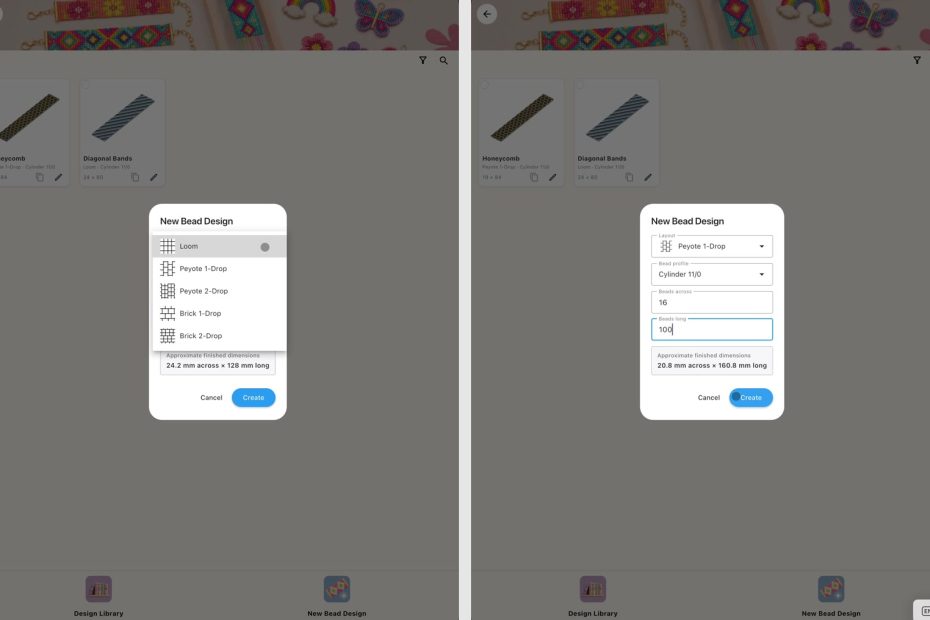
Create Loom, Peyote, and Brick Stitch designs with a bead pattern maker app for Android, then edit, preview, follow, and prepare printable instructions.

Use a free bead design app for iPad to create Loom, Peyote, and Brick Stitch patterns, edit colors, preview beadwork, and follow every row.

Search a seed bead color chart by name or code, save custom beads with brand and RGB details, and add catalog and personal colors to a project palette.
A beading project often begins with a small idea: a color combination, a repeating motif, or a bracelet you can already imagine. Turning that idea into a usable pattern and then following it accurately while working. Bead Designer section in Knitting Row Counter brings the… Read More »Bead Pattern Designer in Knitting Row Counter