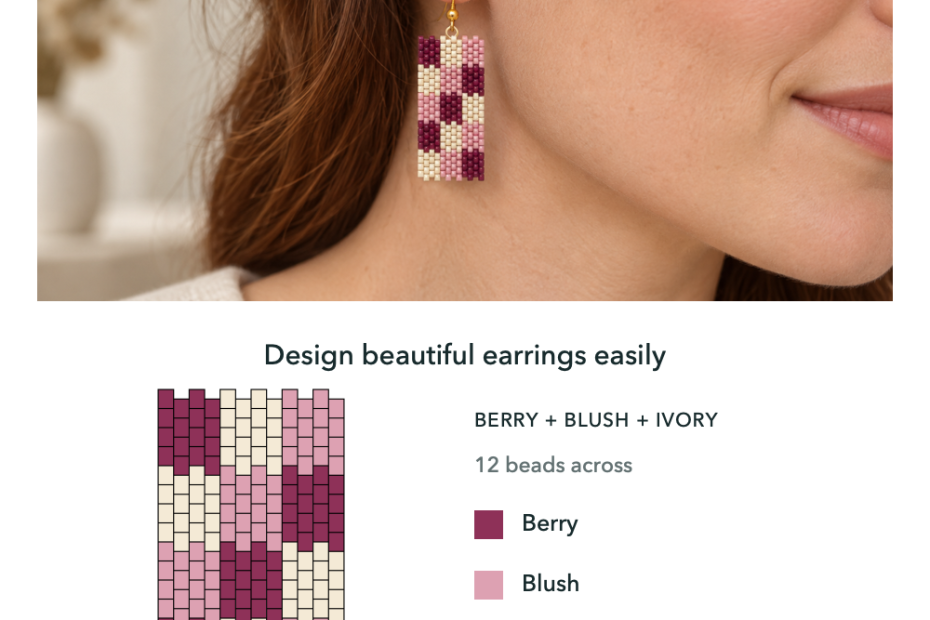
How to Design Beaded Earrings with a Bead Pattern Maker
Design your own beaded earrings with Peyote and Brick Stitch grids, editable colors, 3D previews and row tracking in Bead Designer, part of Knitting Row Counter.
Design your own beaded earrings with Peyote and Brick Stitch grids, editable colors, 3D previews and row tracking in Bead Designer, part of Knitting Row Counter.
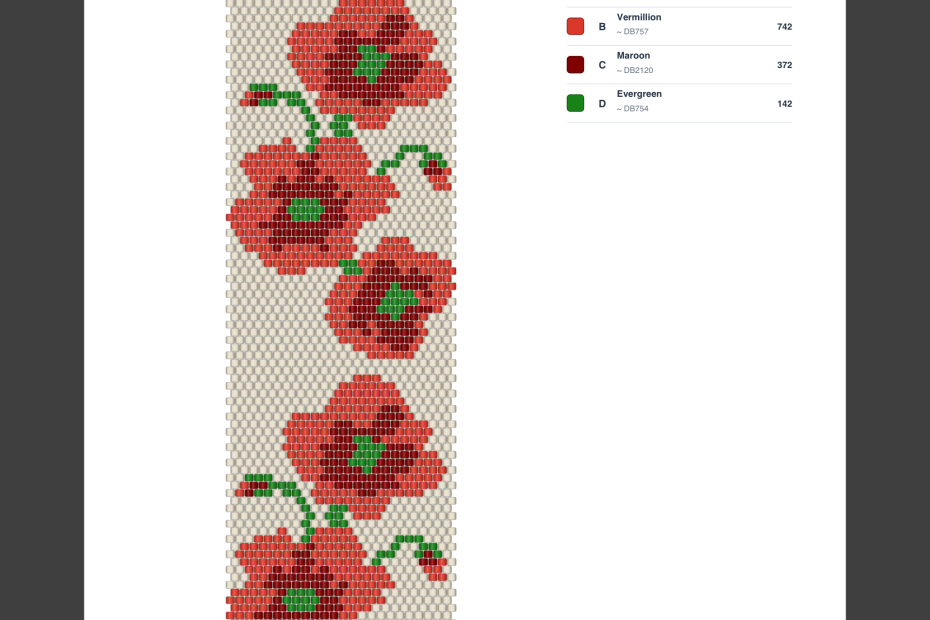
Prepare bead patterns for Etsy with useful PDF instructions, bead reference codes, your creator name and shop information, plus practical listing tips.
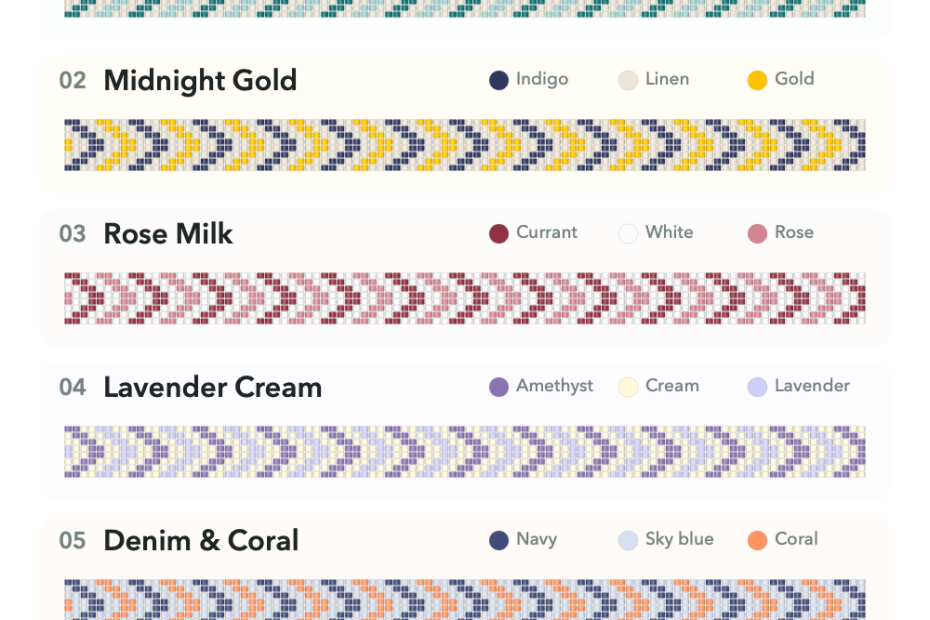
Explore 18 three-color bracelet ideas for chevrons, hearts and flowers, with practical palette tips and an easy way to recolor your own bead designs.
Browse free printable bead patterns for Peyote, Loom, and Brick Stitch projects, with A4 and US Letter PDF downloads.
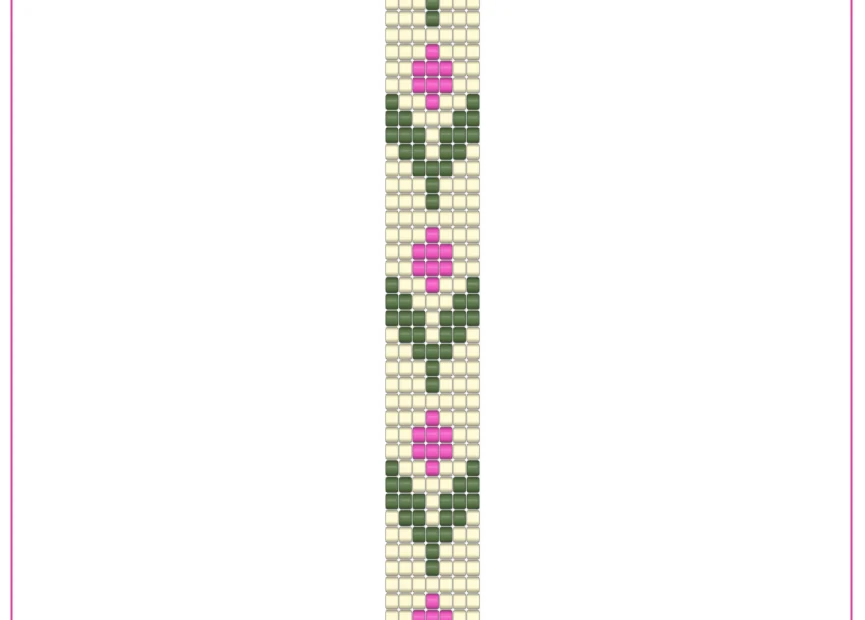
Download the free Tulip Trail flower bead loom pattern in A4 or US Letter format, with a bead list, complete chart, and row-by-row instructions.
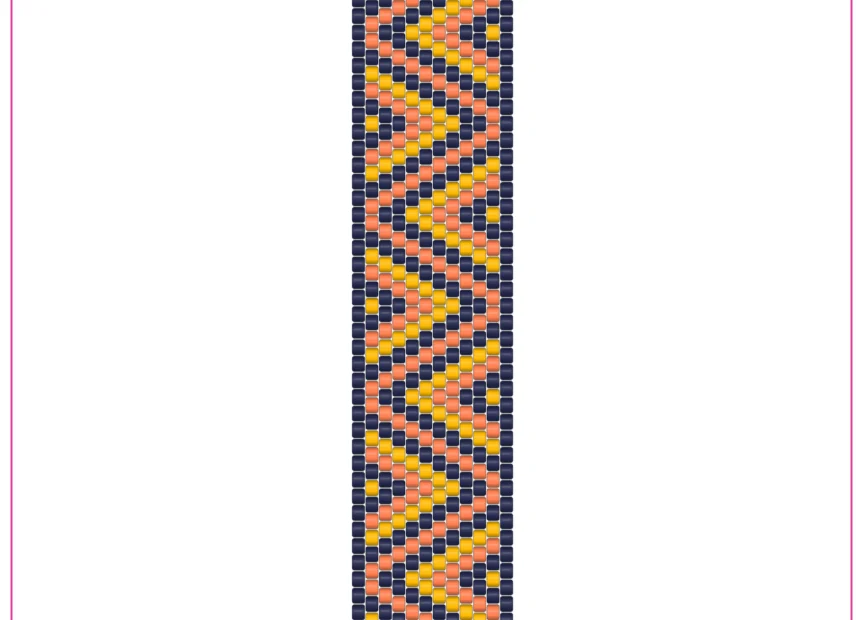
Download the free Braided Strands peyote bracelet pattern in A4 or US Letter format, with a bead list, complete chart, and row-by-row pickup instructions.
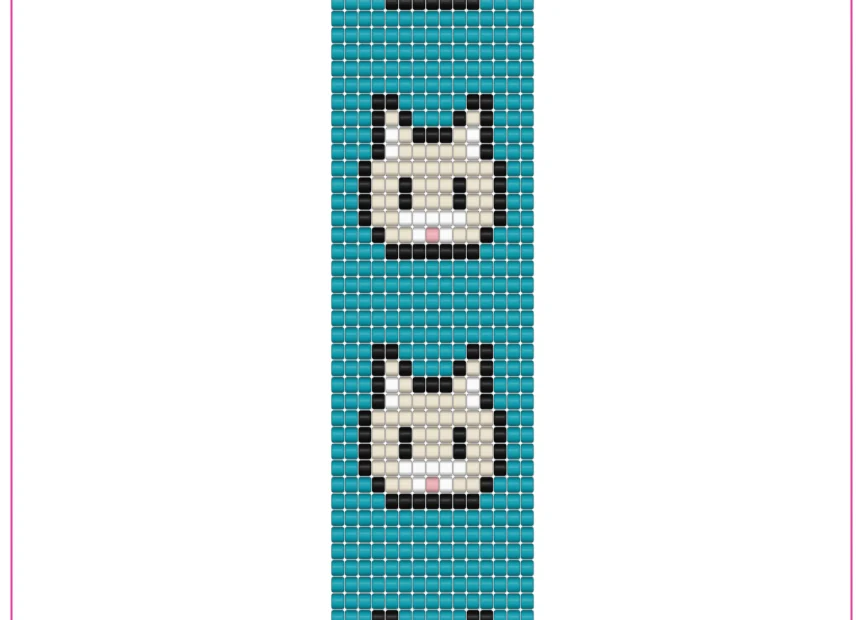
Download the free Cute Cats bead loom bracelet pattern in A4 or US Letter format, with a bead list, complete chart, and row-by-row instructions.
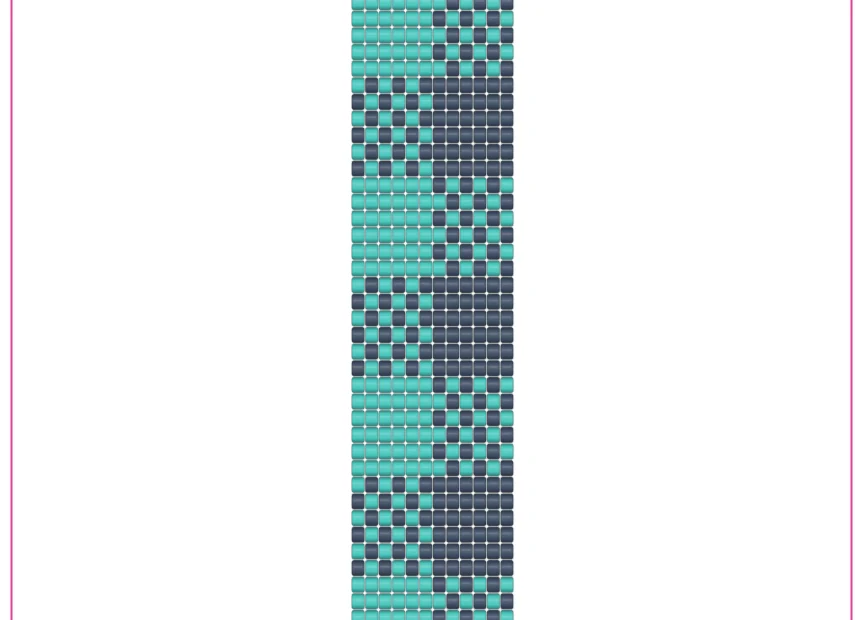
Download the free Gingham Weave bead loom bracelet pattern in A4 or US Letter format, with a two-color bead list, complete chart, and row-by-row instructions.
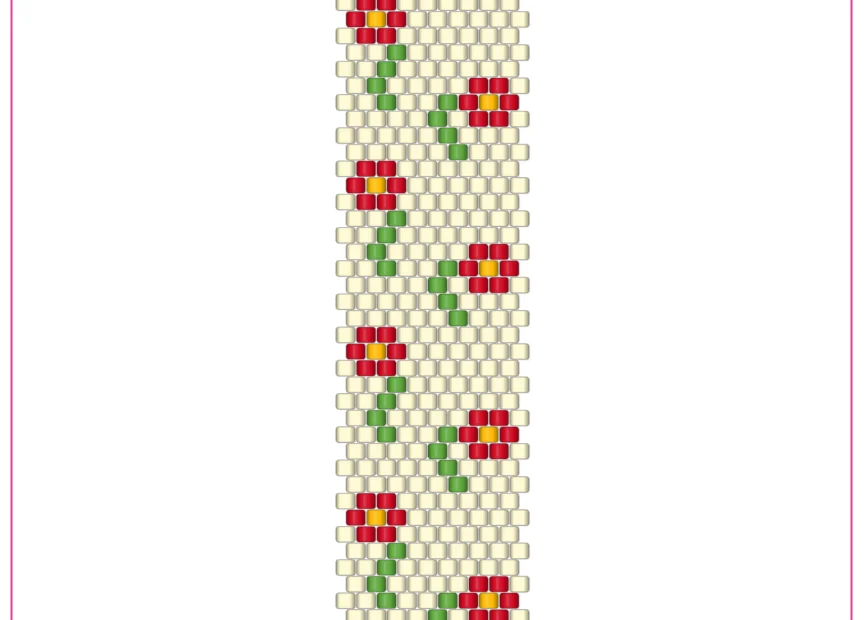
Download the free Cute Flowers brick stitch bracelet pattern in A4 or US Letter format, with a bead list, complete chart, and row-by-row pickup instructions.
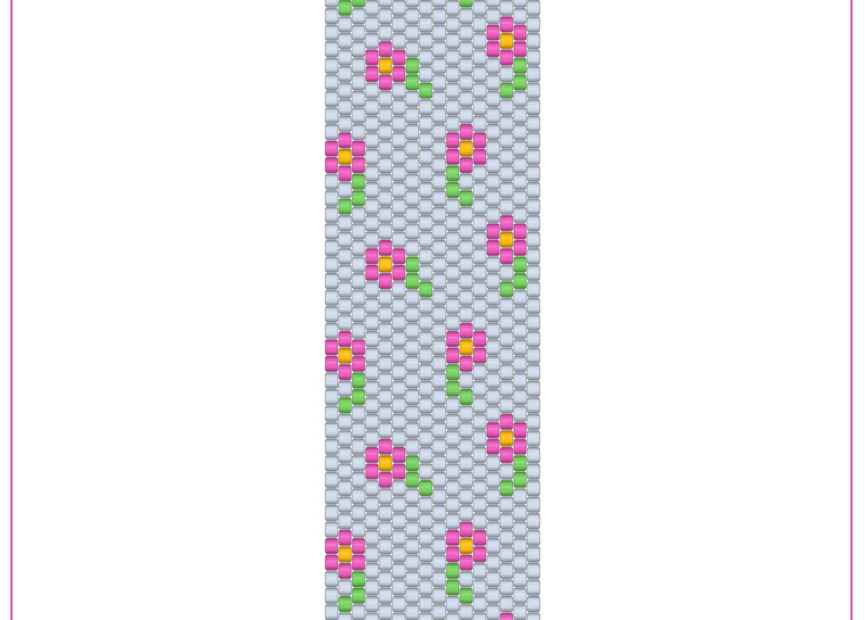
Download the free Pink Flowers peyote bracelet pattern in A4 or US Letter format, with a bead list, complete chart, and row-by-row pickup instructions.