 |
 |
 |
In today’s fast-paced world, leveraging technology for efficient and accurate vote counting is more important than ever. Whether it’s a local club election or a national poll, ensuring every vote is counted correctly is very important. This is where a robust vote counting app comes into play, streamlining the process and minimizing human error.
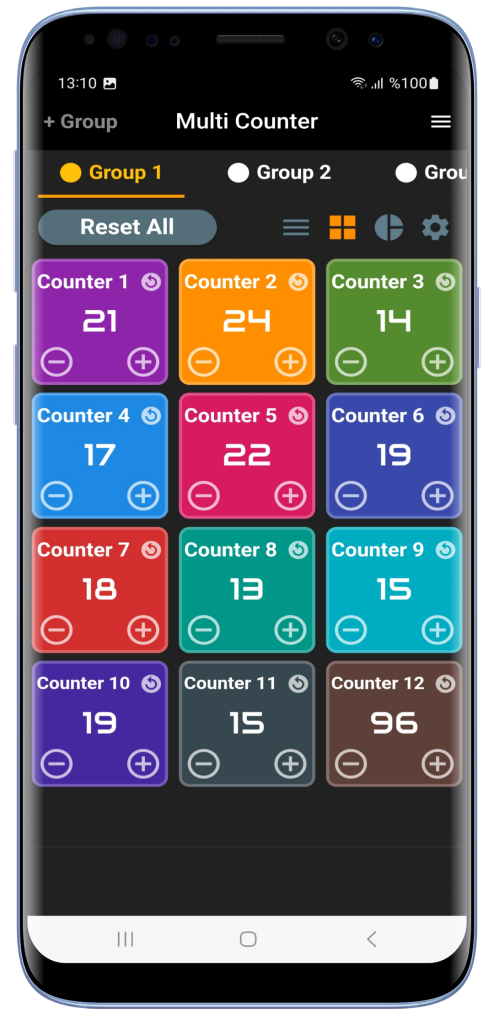
A well-designed counter app simplifies vote tallying by allowing users to create organized groups and counters. By categorizing different candidates or options into groups, the app provides a clear overview of the voting landscape. The ability to sort counters in increasing or decreasing order further enhances the user experience, making it easier to identify leading choices at a glance. Such features make a counter app an ideal tool for election vote counting.


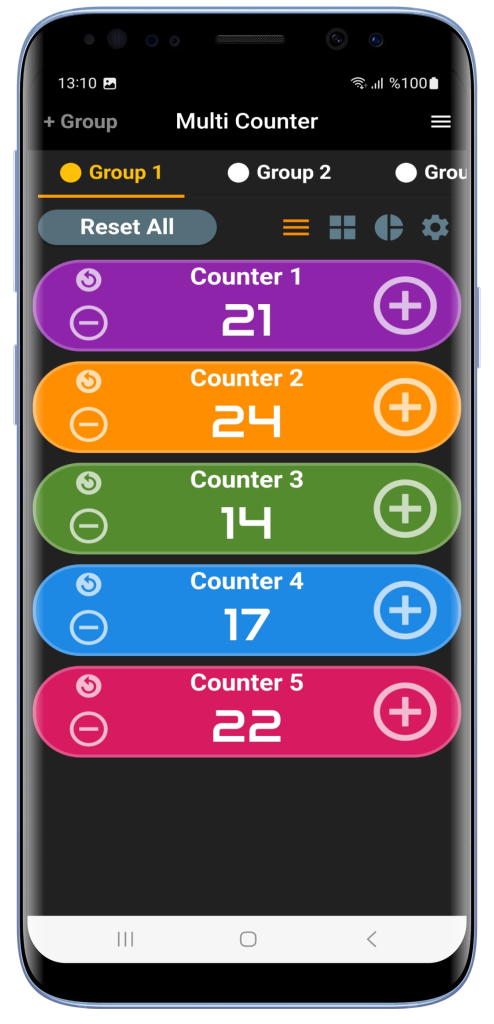
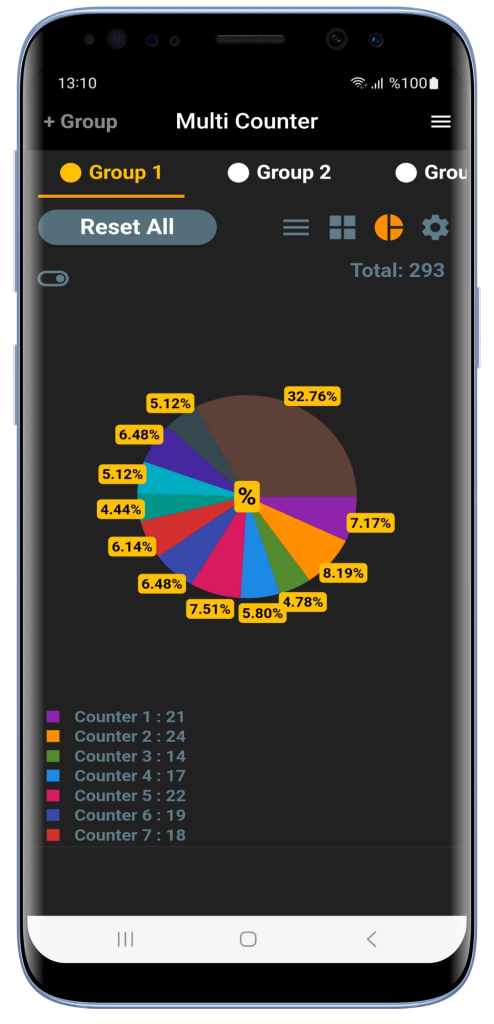
Multi Counter is the ultimate election vote counting app. Multi Counter allows users to create multiple groups, each housing numerous counters that can be individually named. This flexibility allows for tailored setups—whether you’re managing a multi-candidate election or tracking votes across different regions. The app’s intuitive design ensures that even users with minimal technical expertise can navigate and utilize its full potential. You can also share the current count via email or any messaging app with one click.
Need to quickly identify which candidate is leading? Simply sort the counters in decreasing order to see the highest counts at the top. Organizing a complex election with various positions? Create separate groups for each role, ensuring clarity and efficiency. Multi Counter transforms the traditional vote counting process into a seamless digital experience.
A practical vote counting example
For a club election, create a group named Club Vote and add a counter for each candidate. Start each counter at zero and set its counting step to one. As you count each vote, tap plus on the matching candidate’s counter. Use minus to correct an extra tap.
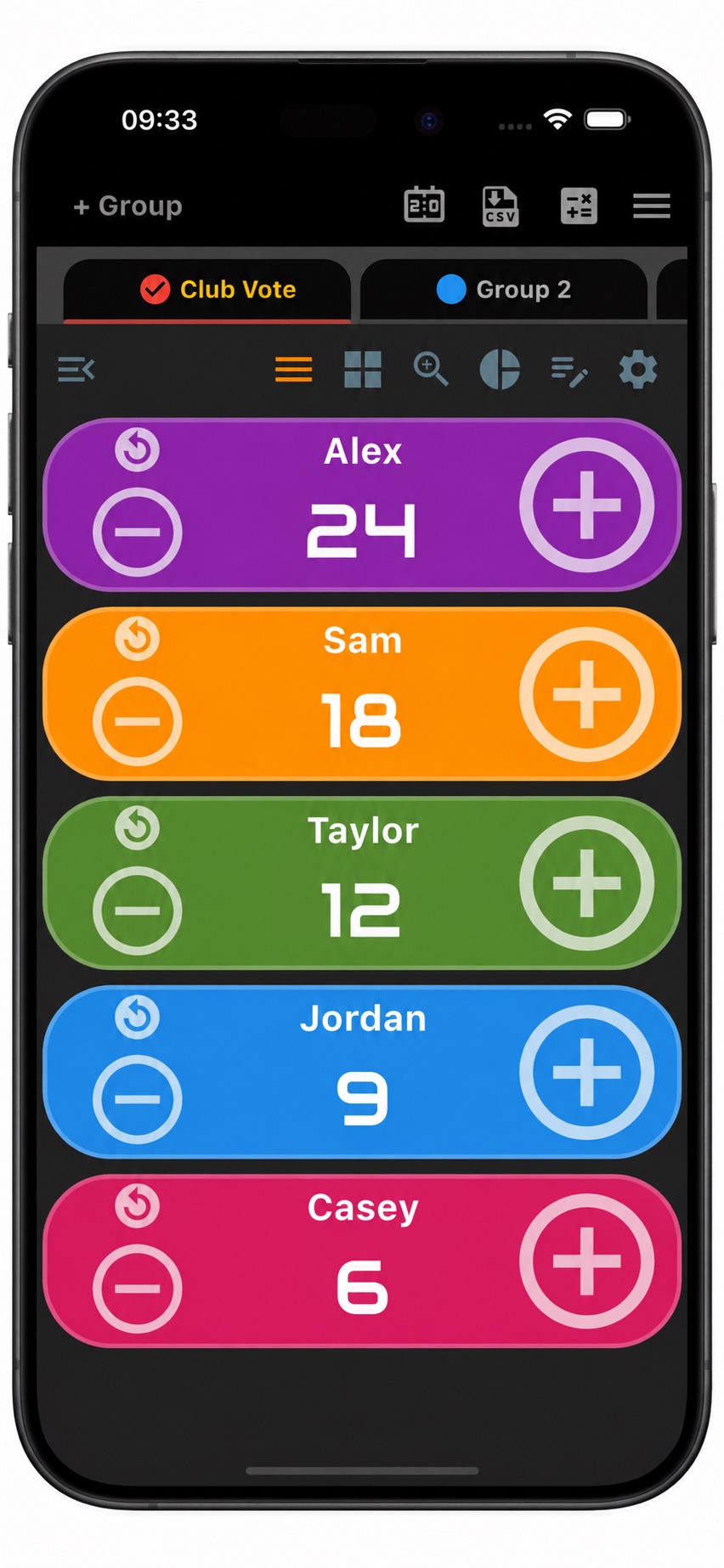
In this example, Alex has 24 votes, Sam has 18, Taylor has 12, Jordan has 9, and Casey has 6. Each name has its own counter, so the tallies are easy to read and compare. If members are voting for several positions, create a separate group for each position to keep those results together.
Export vote counts to CSV
You can export group and counter data as CSV to keep a spreadsheet record of the vote counts. Choose Export Selected Group for the current vote or Export All for all groups.
Share the results on WhatsApp or by email
Open the group’s notes section to add context, such as the meeting date or the position being voted on. From there, share the group’s counter values as a list together with your additional notes in a WhatsApp message or an email. This lets you send both the totals and their context without typing out each counter value again.
For more counting features, explore our counter app for Android or Multi Counter for iPhone and iPad.
Download our app for Android and iOS and see why Multi Counter is the perfect election vote counting app for accurate and efficient tallying now.
Get Multi Counter on Google Play or the App Store.