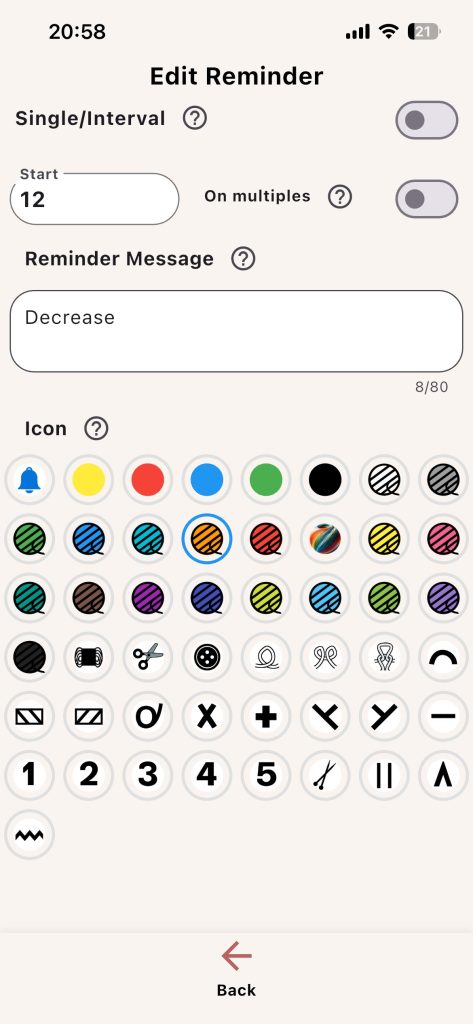
Reminders are one of the most practical features in Knitting Row Counter. They help you act at the right row without rechecking your pattern constantly.
Keep your pattern, counters and progress together. Download Knitting Counter for iPhone, iPad and Android:


Reminder Settings
- Single/Interval mode
- Start value
- End value (interval mode)
- On multiples (single mode)
- Reminder message text
- Reminder icon
Trigger Logic
- Single mode: reminder appears at one exact row
- Interval mode: reminder appears across a row range
- On multiples: reminder repeats based on Start value
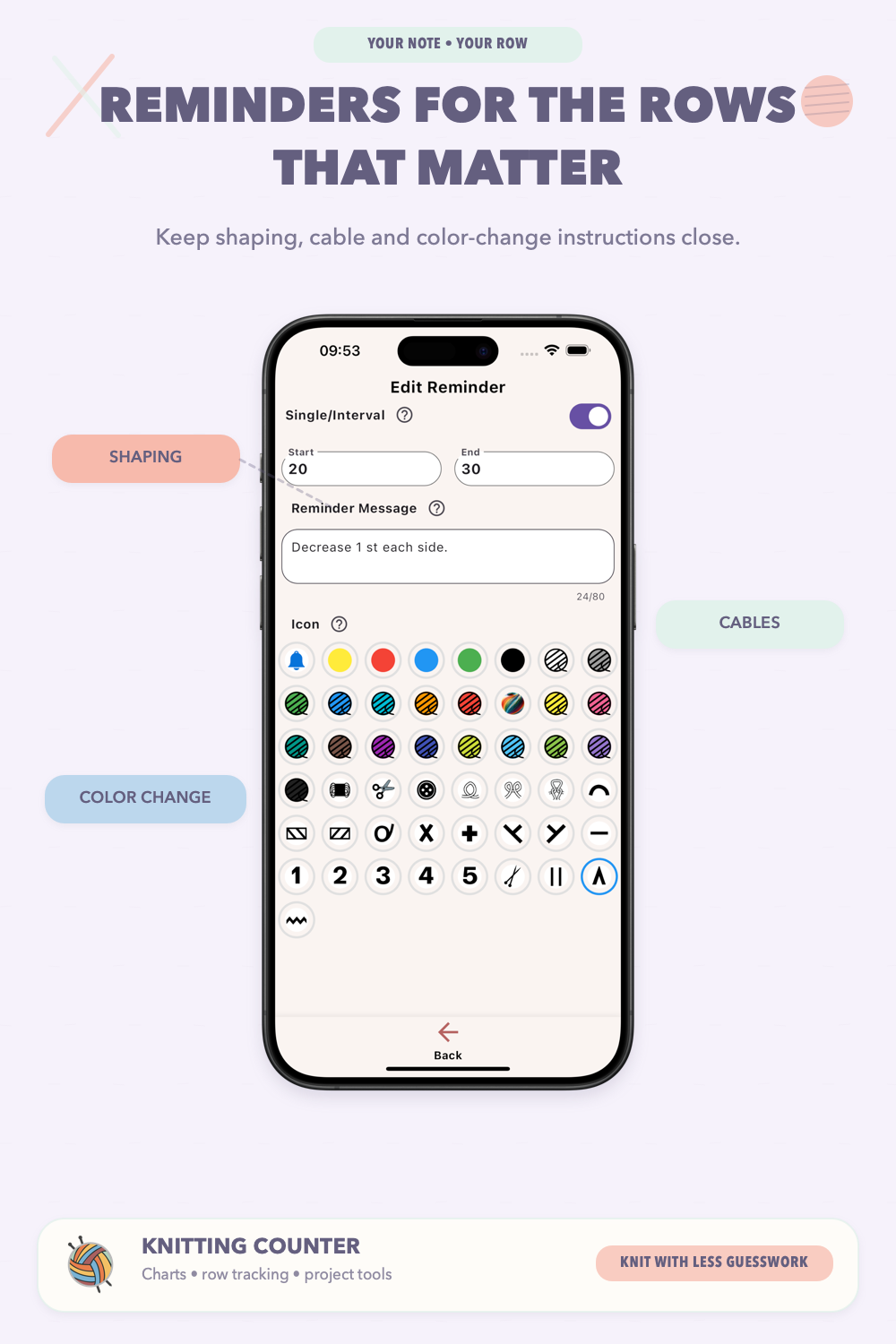
Message Writing Tip
Use short action text:
- Start decreases
- Switch to color B
- Change needle size
Example: If a pattern says “decrease every 6th row,” set Single mode with Start = 6 and enable On multiples. Your Row counter will trigger reminders at 6, 12, 18, and so on.
Quick Links to Guides
- Knitting Row Counter Manual
- Getting Started with Knitting Row Counter
- Create or Edit a Project
- Edit Part
- Edit Counter
- Edit Reminder
- Work on a Knitting Project
- Work Mode: Notes and Project Info
- Work Mode: Files (Images and PDF)
- Pattern Home Screen
- Pattern Designer
- Work on Pattern
- Built-in Knitting Tools
- Stats and Streak Calendar
- FAQ and Troubleshooting