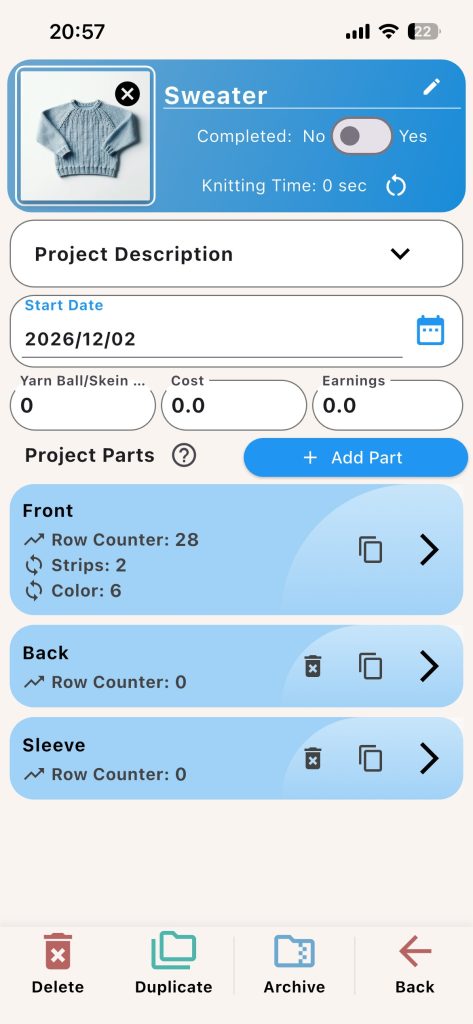
This page is your project control center in Knitting Row Counter. A good setup here makes daily knitting sessions much easier.
Keep your pattern, counters and progress together. Download Knitting Counter for iPhone, iPad and Android:


Project Header
- Project name
- Completed toggle
- Knitting time display and reset
- Cover image
Project Description Section
- Files: Add Image and Add PDF
- Notes: store project-level instructions
- Project Link: save the pattern source URL
Project Details
- Start date
- End date (when completed)
- Yarn used
- Cost
- Earnings
Project Parts
- Add part
- Open part editor
- Duplicate part
- Delete part
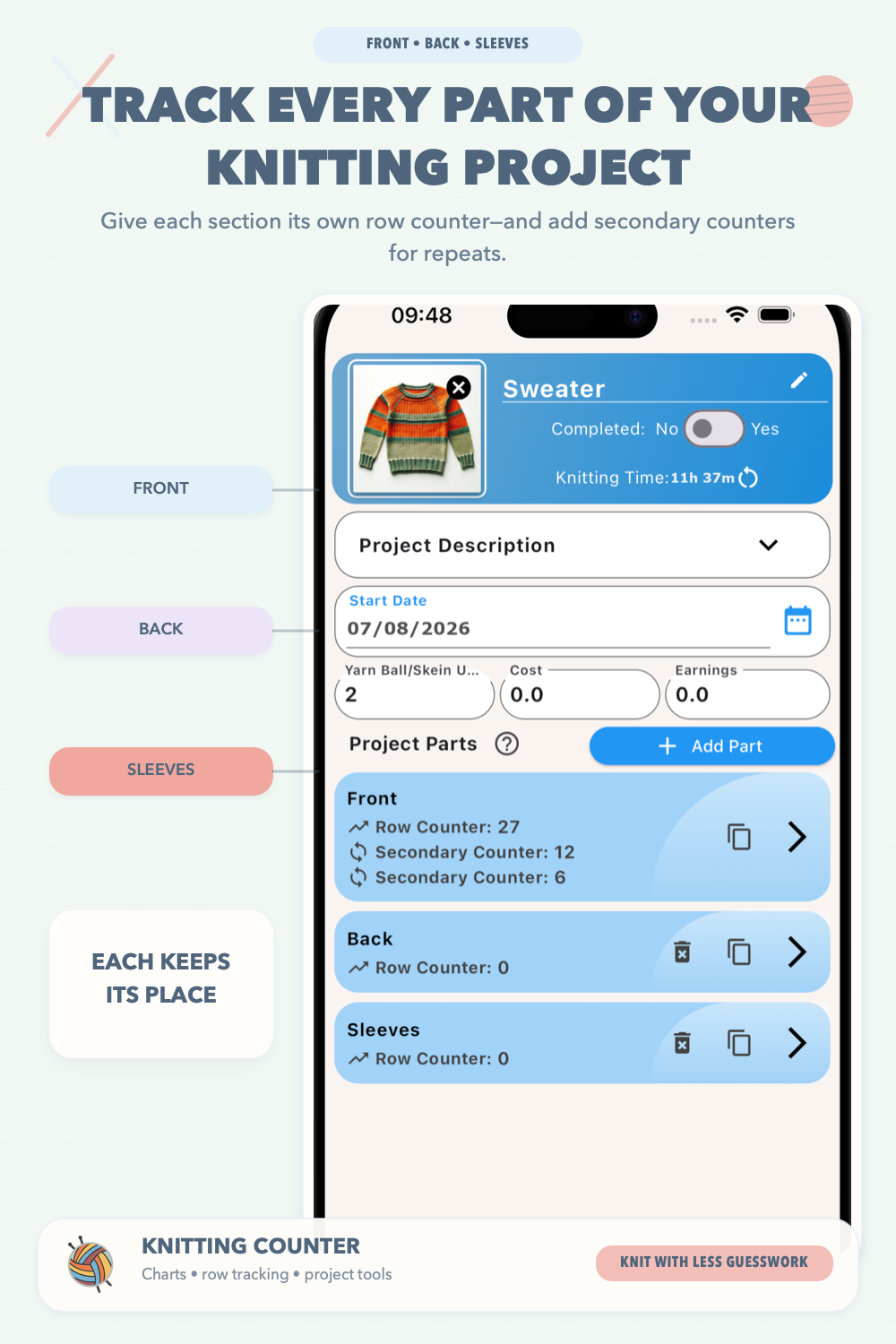
Bottom Actions
- Delete
- Duplicate
- Archive
- Back (with save/cancel prompt)
Setup tip: Add your full part structure first, then configure counters and reminders part by part.
Example: For a cardigan, add Body, Sleeve Left, Sleeve Right, and Collar. Then set reminder messages like “Start armhole shaping” on the correct rows.
Quick Links to Guides
- Knitting Row Counter Manual
- Getting Started with Knitting Row Counter
- Create or Edit a Project
- Edit Part
- Edit Counter
- Edit Reminder
- Work on a Knitting Project
- Work Mode: Notes and Project Info
- Work Mode: Files (Images and PDF)
- Pattern Home Screen
- Pattern Designer
- Work on Pattern
- Built-in Knitting Tools
- Stats and Streak Calendar
- FAQ and Troubleshooting